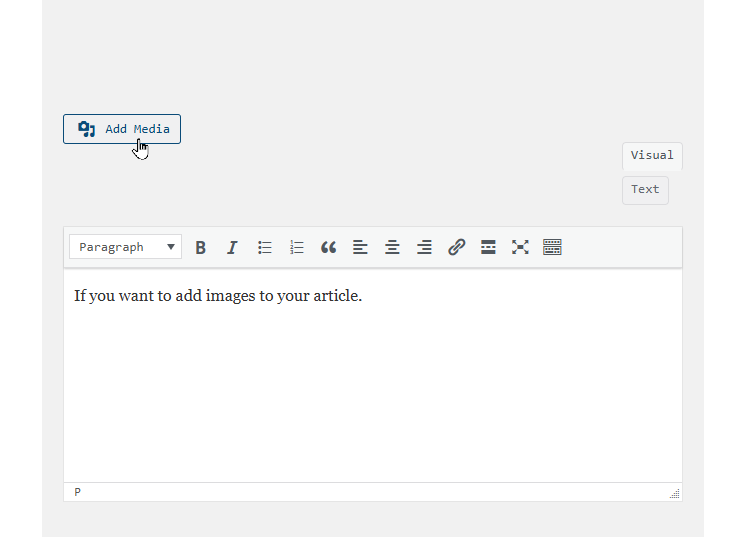
If you want to add images to your article, just hit the add media button.
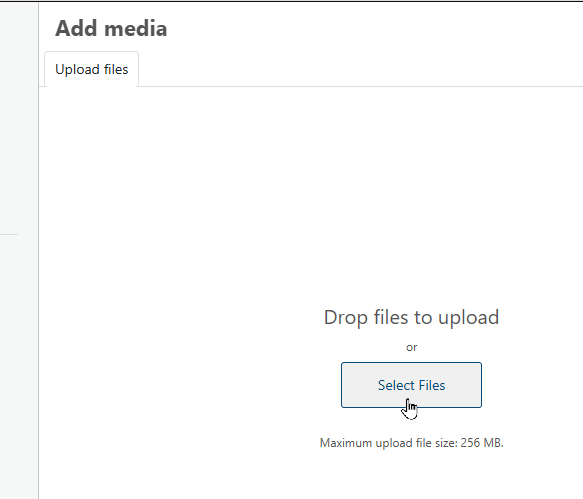
Once you are here, click ‘select files’ and go ahead and choose all of the images that you want to use in your article to save time.
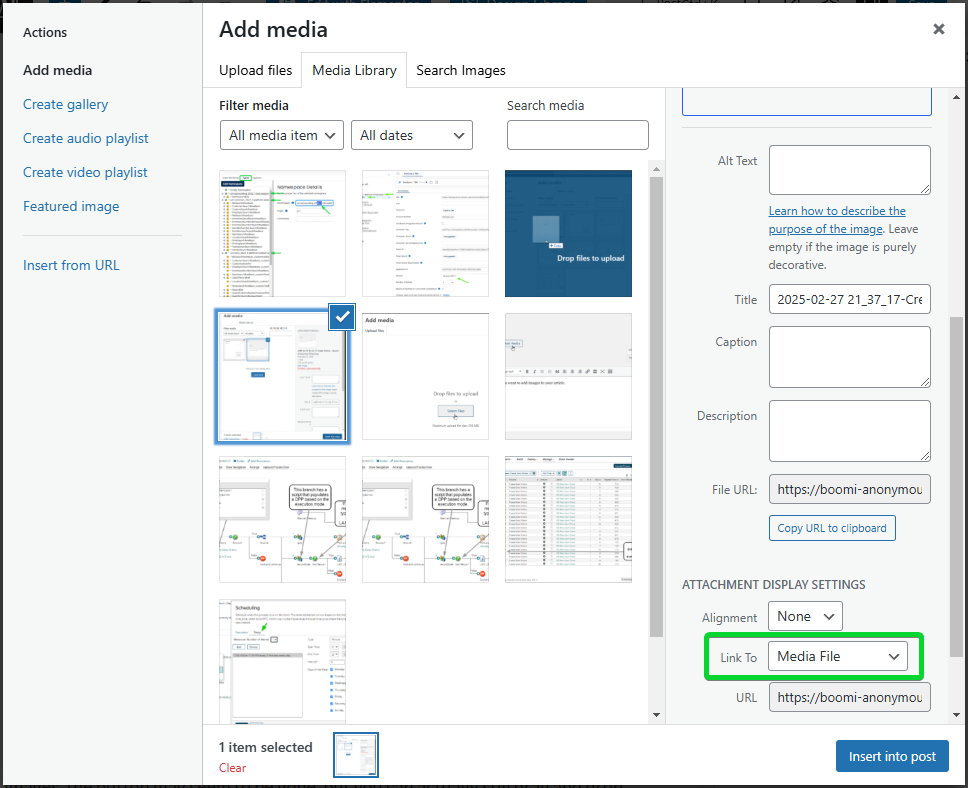
Once they are uploaded, any that you have checked will be added directly to your article when you hit ‘Insert into page’. Make sure you choose Link To: Media File so that if the image is too small in your post, people can still view the full size image.
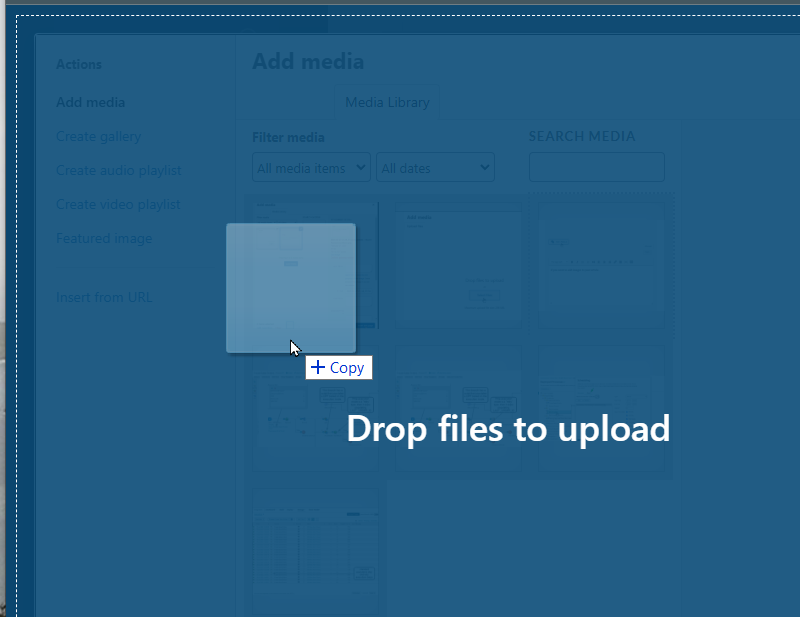
If you failed to follow my advice from earlier and realized that you need to add more images, the button may seem to be gone, but you can actually still drag and drop more images here, like this.
Finally, make sure you have your article looking the way you want it before you click ‘Submit Post’, because there really isn’t a good way to edit your article yet. Though you could try commenting on your article with what you want to change and seeing if the site moderator will help you out.
Recent Comments